

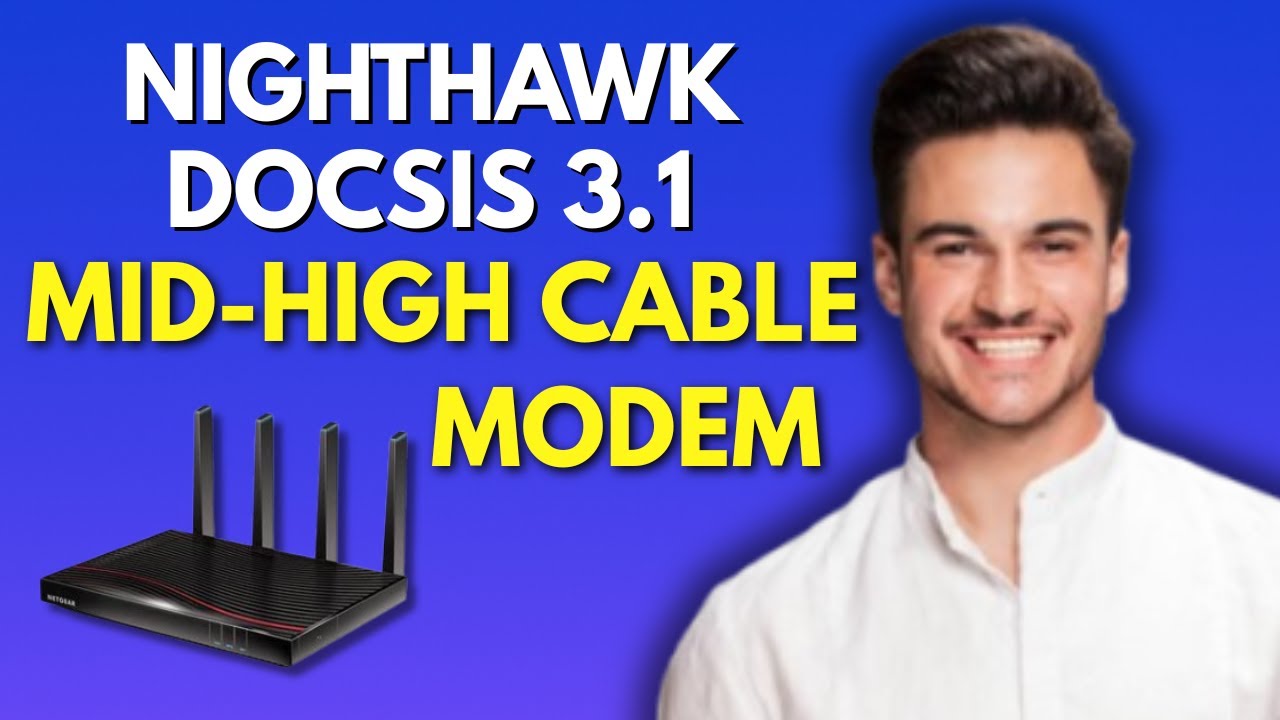
Unboxing and Connecting Your Nighthawk Midnight Split Cable Modem
Setting up your Nighthawk CM2500 modem is a straightforward process. Follow these steps to ensure a successful installation and activation.
Step 1: Unbox and Connect the Hardware
-
Unbox the CM2500: Remove the modem from its packaging and ensure all components are included.
-
Connect the Coaxial Cable: Take the coaxial cable from your wall outlet and connect it to the cable port on the CM2500.
-
Connect Ethernet Cable: Use an Ethernet cable to connect the CM2500 to your router or directly to your computer if you’re setting it up initially.
- Plug in the Power Adapter: Attach the power adapter and turn on the modem.
Step 2: Access the Modem Interface
-
Connect to the Modem: Ensure your PC is connected directly to the modem via Ethernet.
-
Open a Web Browser: Launch your preferred web browser and navigate to the modem’s interface.
- View Status Dashboard: On the dashboard, you will see the modem’s status, signal level, and logs. Note that there’s no login or admin panel; it’s a read-only dashboard for monitoring.
Step 3: Activate the Modem with Your ISP
-
Self-Activation: After connecting, open a browser. You may be redirected to your ISP’s activation page.
-
Follow Onscreen Instructions: Complete the activation process as per the instructions displayed.
- Call Your ISP for Activation: If you’re not redirected automatically, contact your ISP’s customer support. Be ready to provide:
- The modem model (CM250)
- MAC Address (located on the modem)
The CM2500 supports mid-high split (85 MHz return path) for faster upstream, which is essential for optimized performance.
Step 4: Connect to a Router
-
Disconnect Your PC: Once the modem is activated, disconnect your PC.
-
Connect to Router: Use an Ethernet cable to connect the modem’s Ethernet port to the WAN port of your router.
- Power Cycle Both Devices: Turn off both the modem and the router.
Step 5: Rebooting for Connectivity
If you experience any connectivity issues, reboot the devices in the following order:
-
Power Off Modem and Router: Switch off both devices and wait for 30 seconds.
-
Power On Modem: Turn on the modem and wait until the LED is solid white or green.
-
Power On Router: After the modem is fully powered, turn on the router.
- Test Internet Access: Check if you can access the internet from your connected devices.
Conclusion
By following these steps, you can successfully set up and activate your Nighthawk Midnight CM2500 modem. Thank you for following along with this guide! Enjoy a fast and reliable internet connection.
